
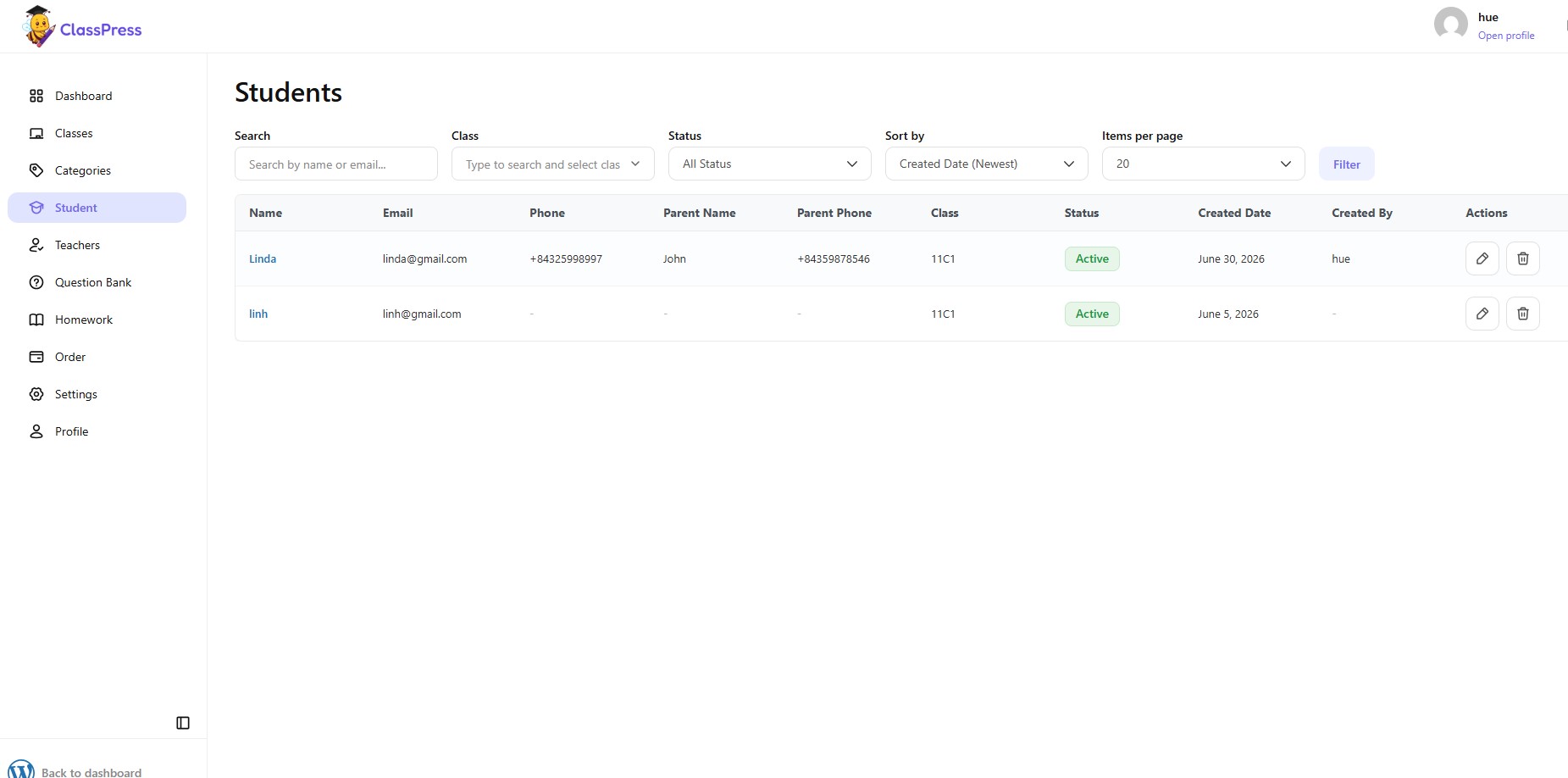
The Students tab displays all students currently available in the system. You can use the search bar and filters to quickly find a specific student by name, email, class, or status.
1.Edit a Student
To update a student’s information:
- Click the Edit (pencil) icon in the Actions column.
- Update the necessary information.
- Click Save to apply the changes.
2.Delete a Student
To remove a student from the system:
- Find the student you want to remove.
- Click the Delete (trash) icon in the Actions column.
- Confirm the deletion when prompted.
Note: Deleting a student permanently removes the student record from the system. Ensure you no longer need the student’s information before confirming the deletion.