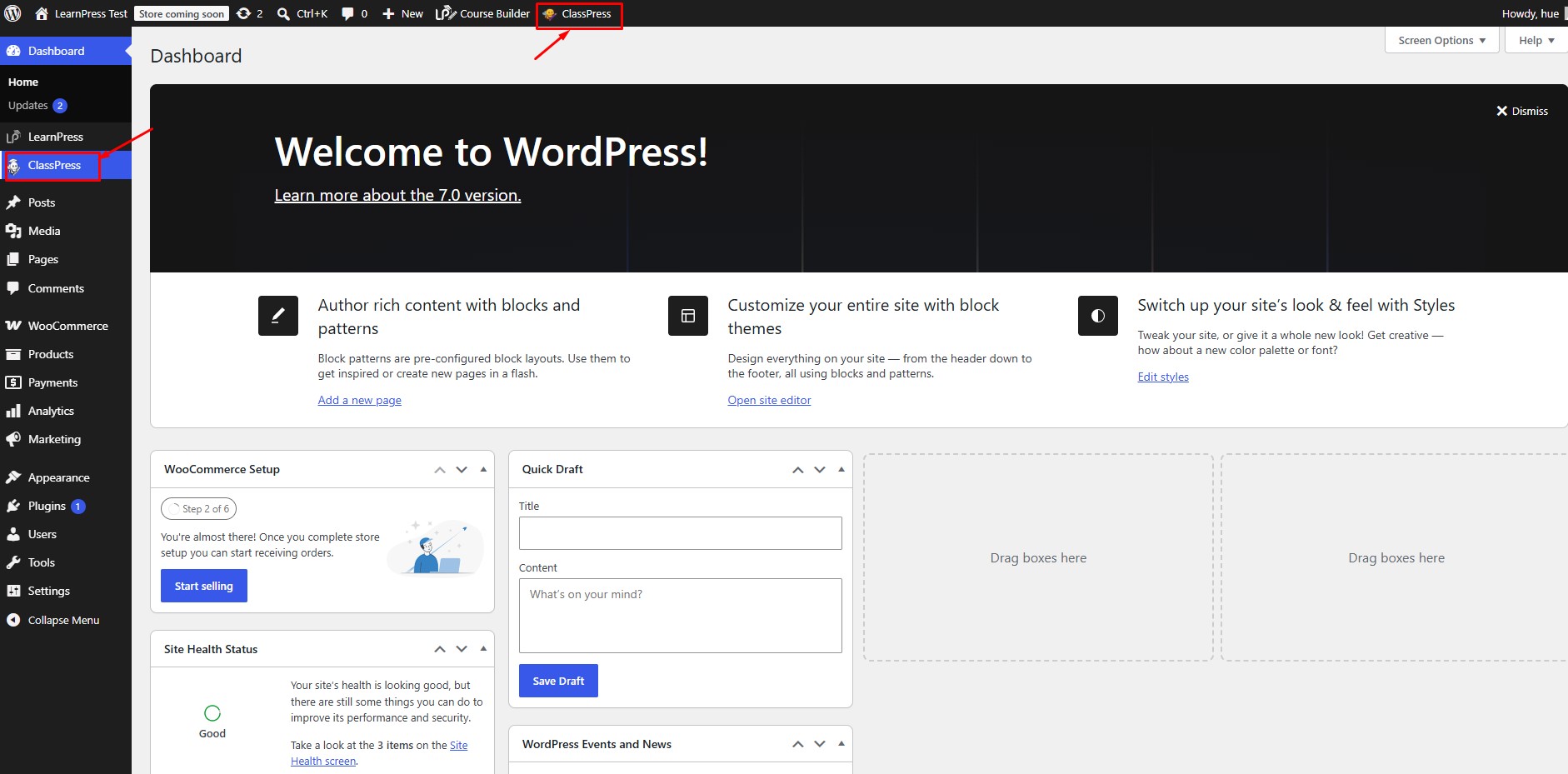
There are two ways to install the ClassPress plugin.
Method 1: Install from the WordPress Plugin Directory
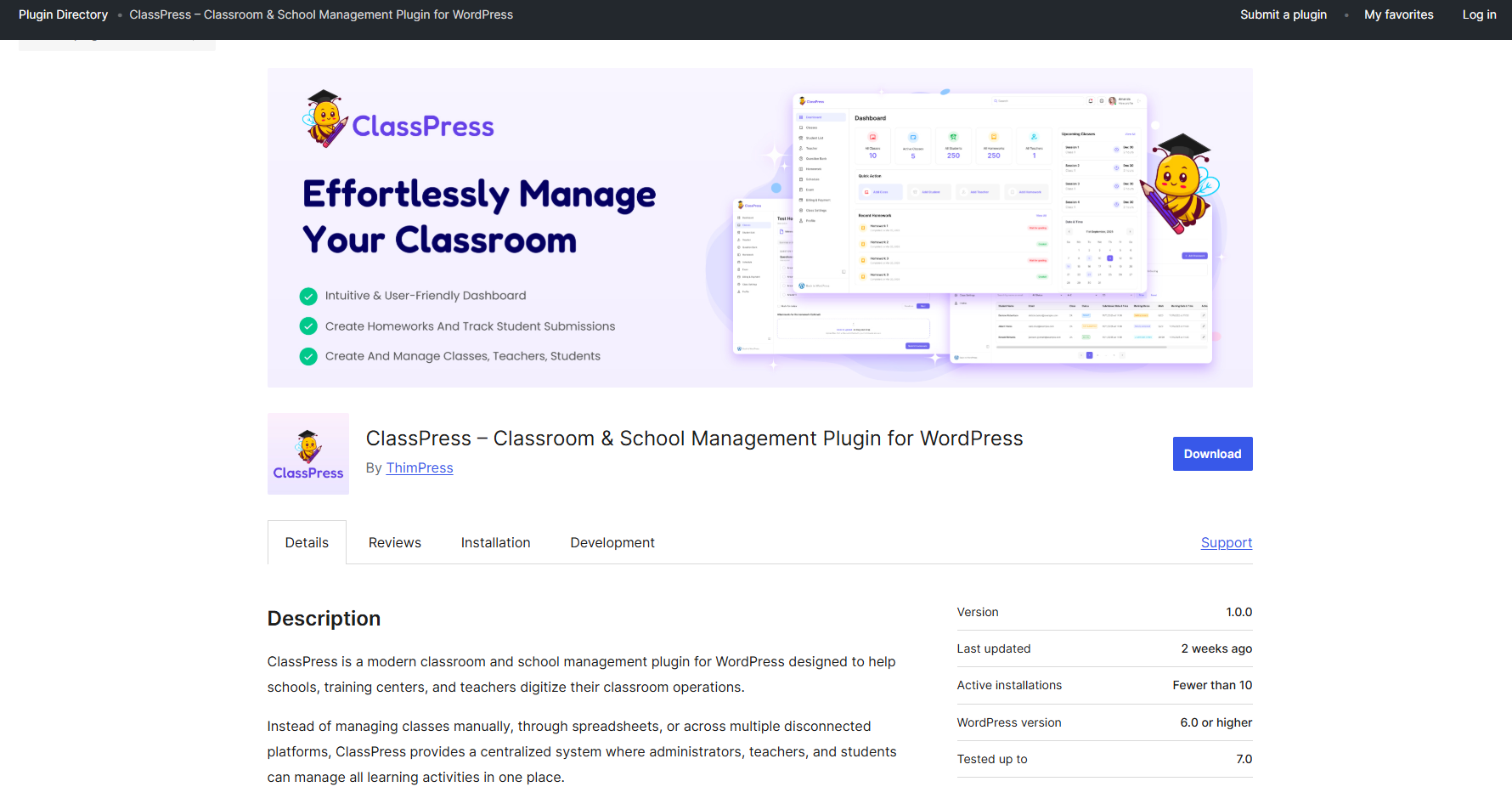
- Visit the official ClassPress plugin page:
ClassPress – Classroom & School Management Plugin for WordPress - Click Download to download the plugin ZIP file.
- Log in to your WordPress Dashboard.
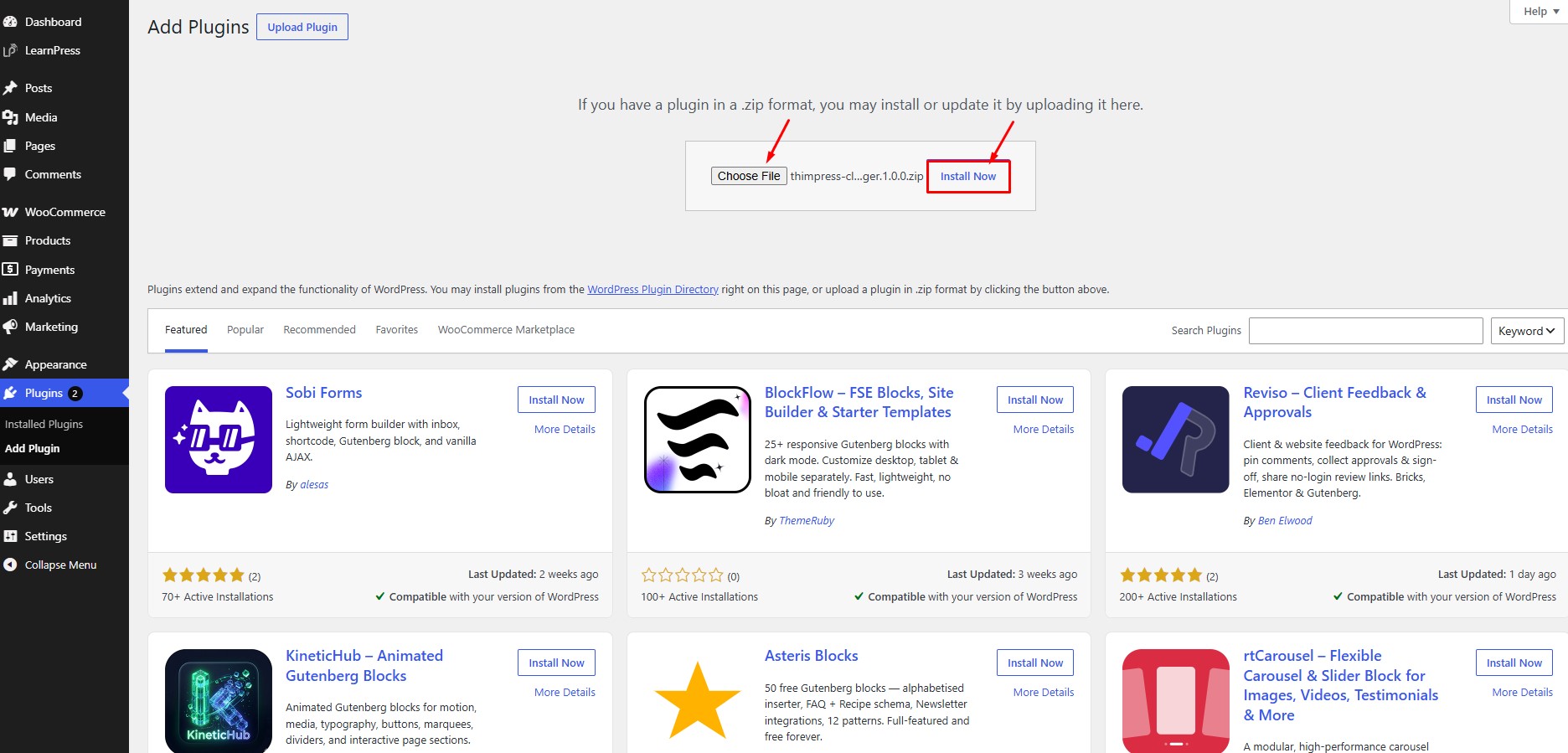
- Navigate to Plugins → Add New Plugin.
- Click Upload Plugin.
- Select the downloaded ZIP file and click Install Now.
- Once the installation is complete, click Activate.
Method 2: Install from the WordPress Dashboard
- Log in to your WordPress Dashboard.
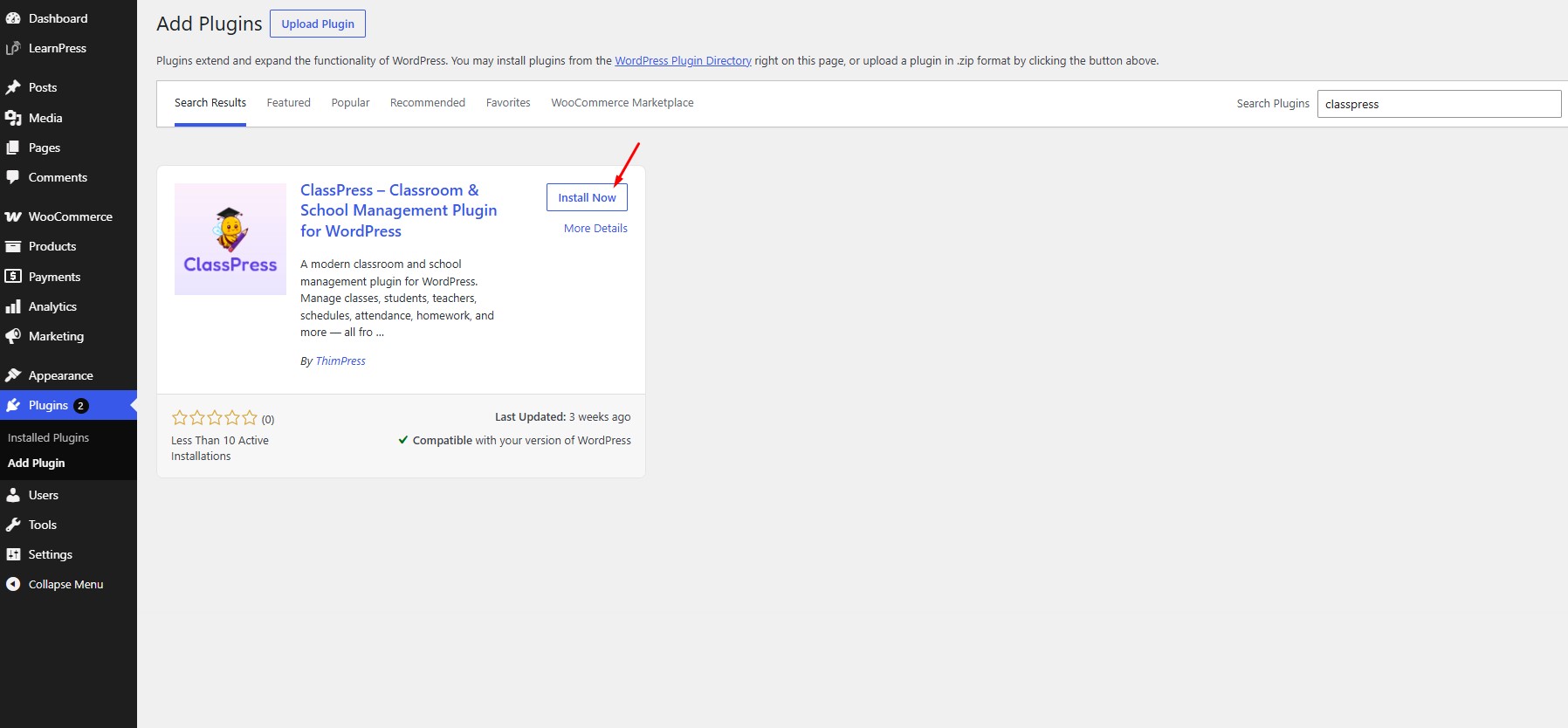
- Navigate to Plugins → Add New Plugin.
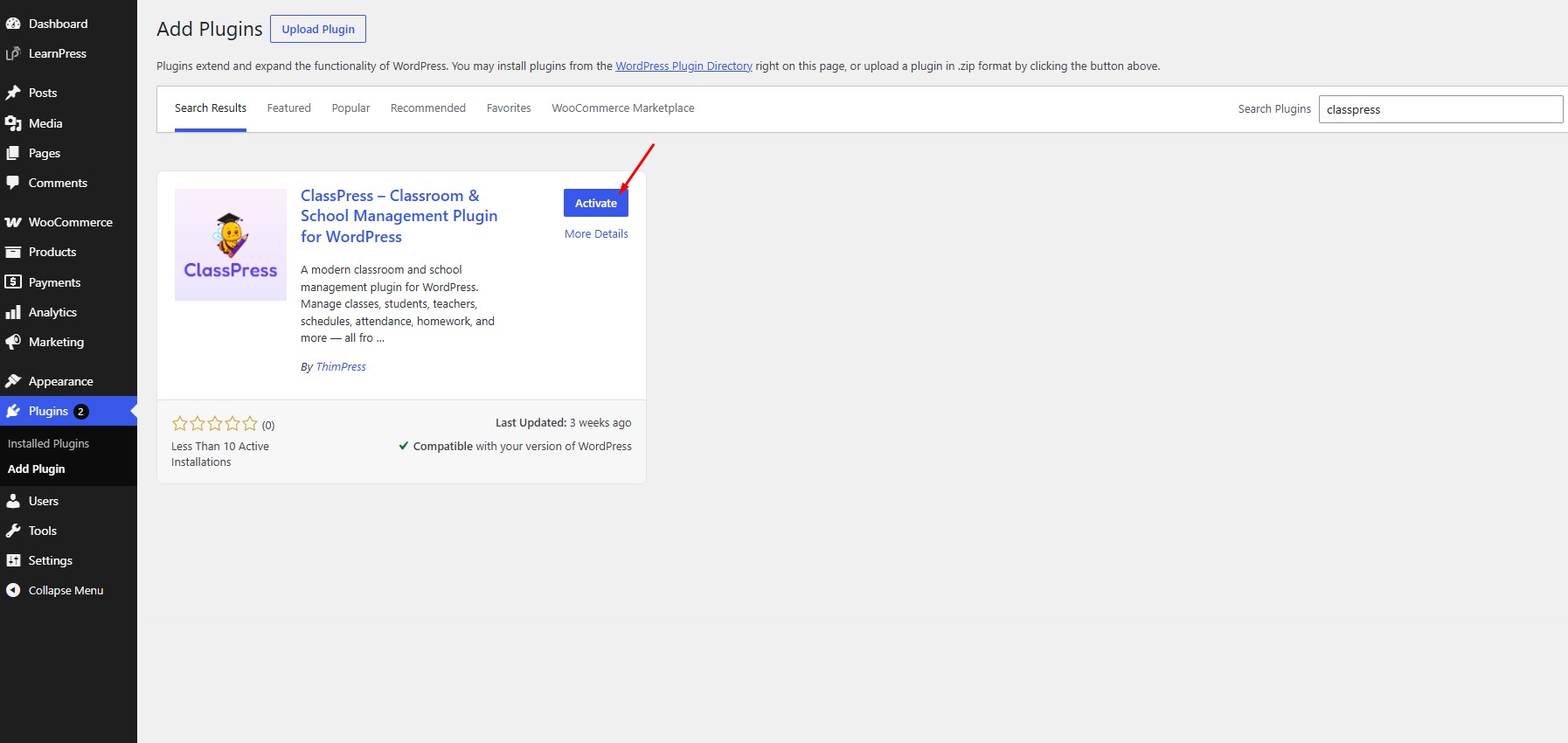
- Enter ClassPress in the search box.
- Locate ClassPress – Classroom & School Management Plugin for WordPress.
- Click Install Now.
- After the installation is complete, click Activate.
Accessing ClassPress
After the plugin has been activated, a new ClassPress menu will appear in the left sidebar of your WordPress Dashboard.
Click ClassPress to open the ClassPress Dashboard, where you can create and manage classes, teachers, students, homework, and other classroom resources.