
The Teachers page allows administrators to create and manage teacher accounts within ClassPress.
To access this page, click Teachers from the left sidebar.
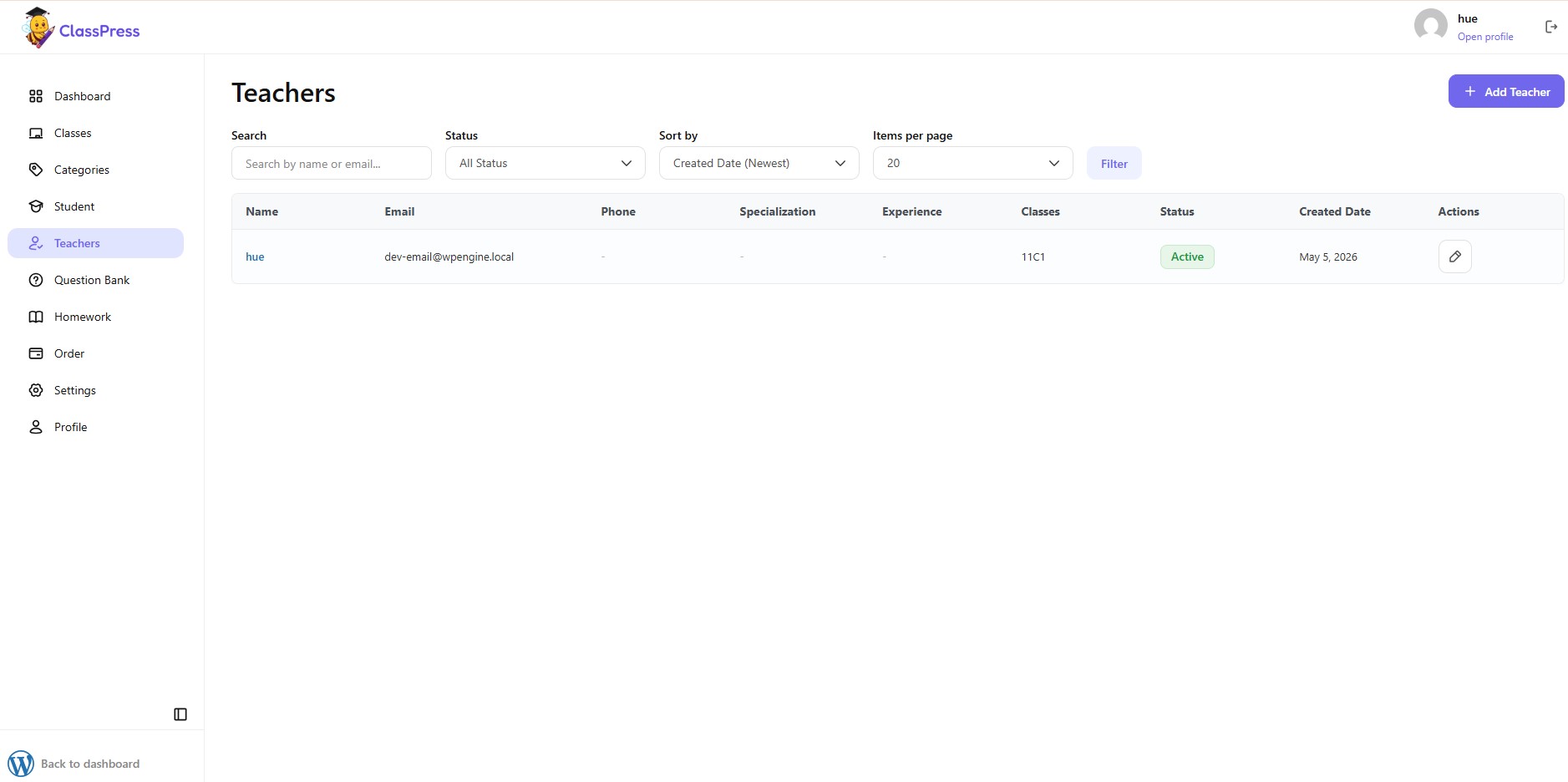
The Teachers page displays all registered teachers along with their contact information, specialization, assigned classes, and current status.
At the top of the page, you can use several tools to manage teachers.
Creating a New Teacher
To create a teacher account:
- Click Add Teacher.
- Complete the required information.
- Click Add Teacher to save.
You will then be redirected to the teacher information page.
Teacher Information
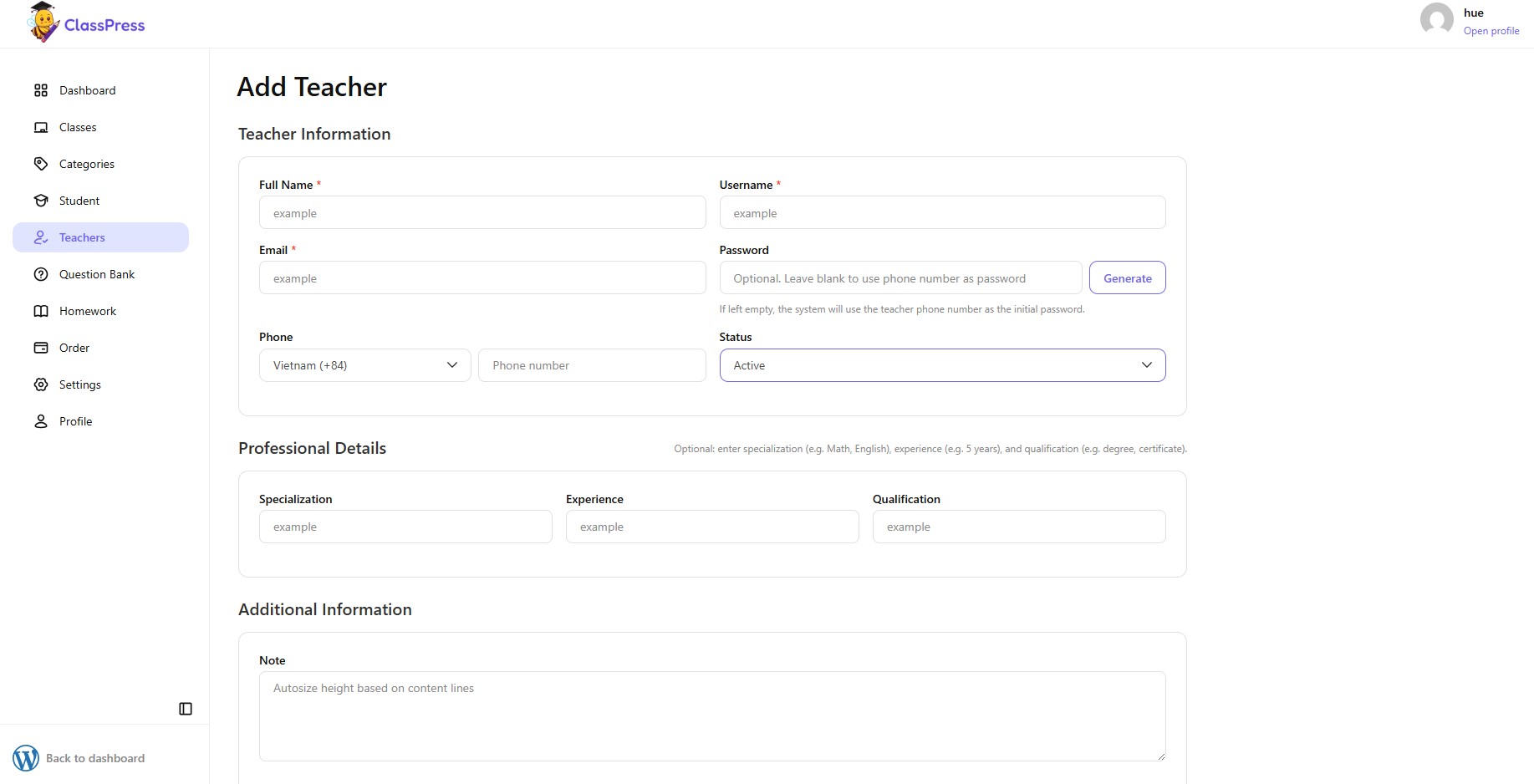
Enter the basic account information for the teacher.
1.Full Name
Enter the teacher’s full name.
This field is required.
2.Username
Enter a unique username for the teacher account.
This field is required.
3.Email
Enter the teacher’s email address.
This field is required.
4.Password
Optionally, enter a password for the teacher.
If left blank, ClassPress will use the teacher’s phone number as the initial password.
You can also click Generate to automatically create a secure password.
5.Phone
Select the country code and enter the teacher’s phone number.
The phone number is also used as the default password if no password is entered.
6.Status
Choose the teacher’s account status.
Available options include:
- Active
- Inactive
Only active teachers can access the system.
7.Professional Details
You can optionally provide additional professional information about the teacher.
8.Additional Information
Note
Optionally, enter any additional notes about the teacher.
This field can be used to store internal information for administrators.
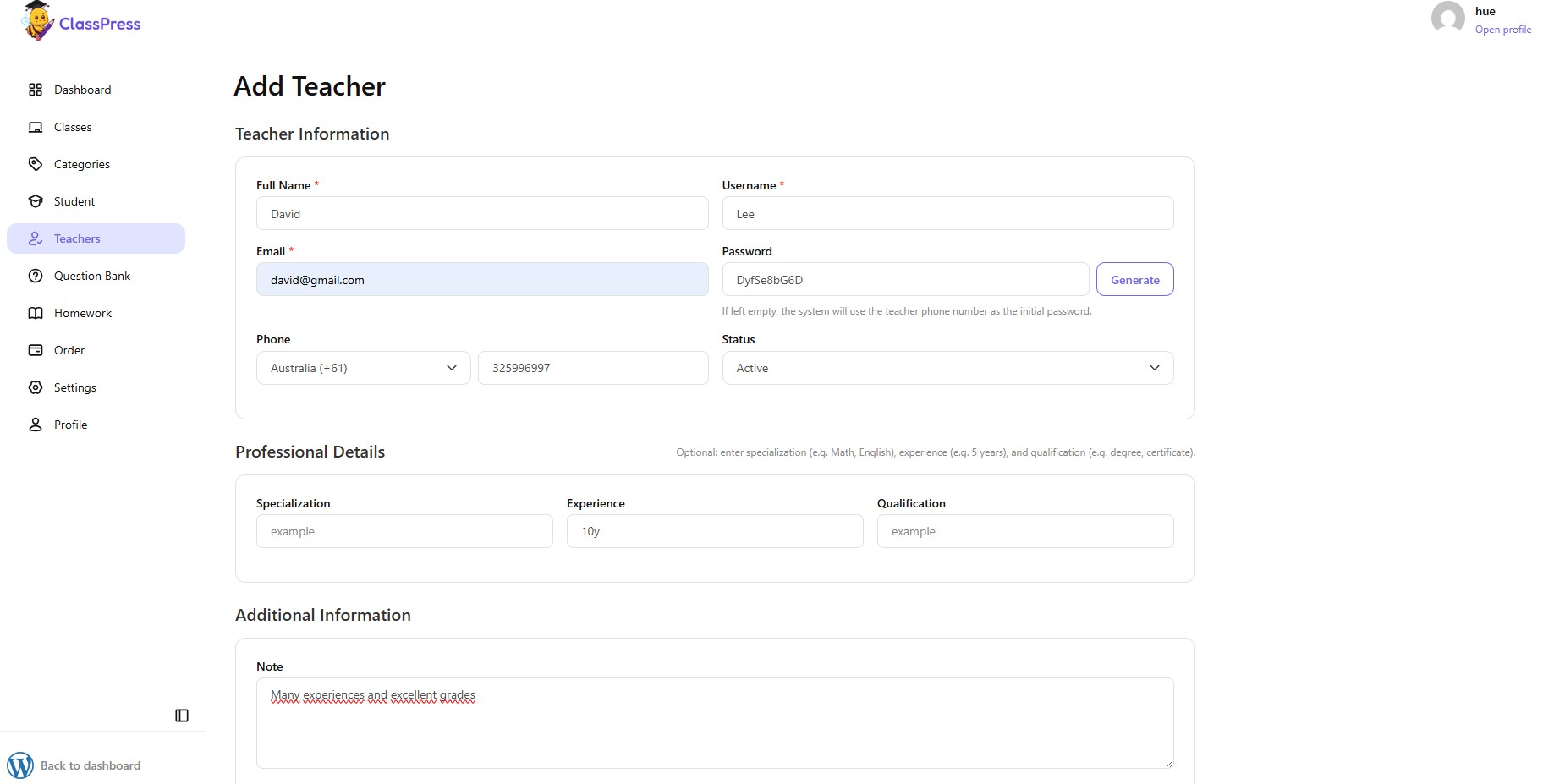
9.Saving the Teacher
After completing the required information:
- Click Add Teacher to create the teacher account.
- Click Cancel to return without saving.
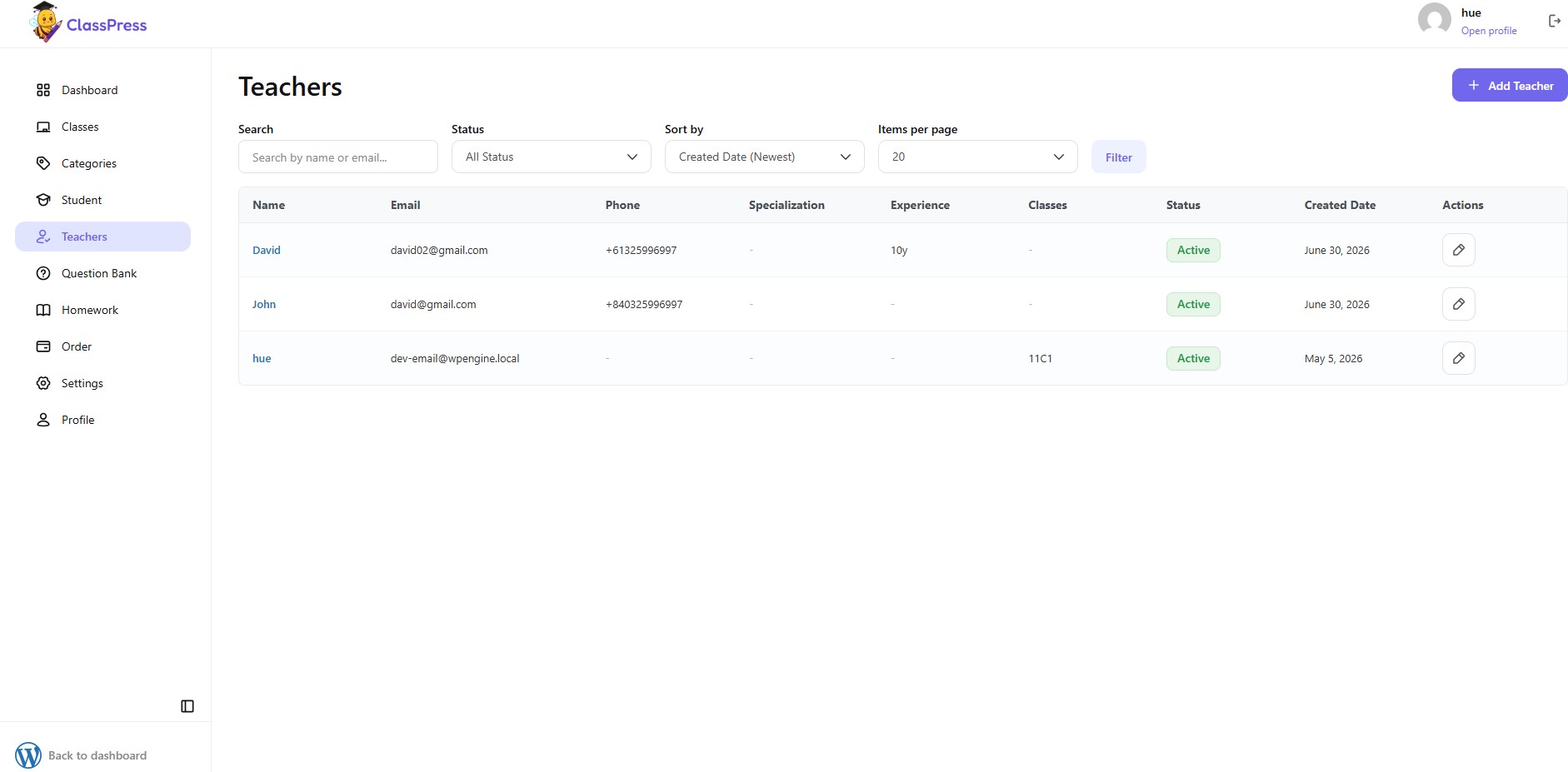
Once created successfully, the teacher will appear in the Teachers list and can be assigned to one or more classes.
Teacher Role
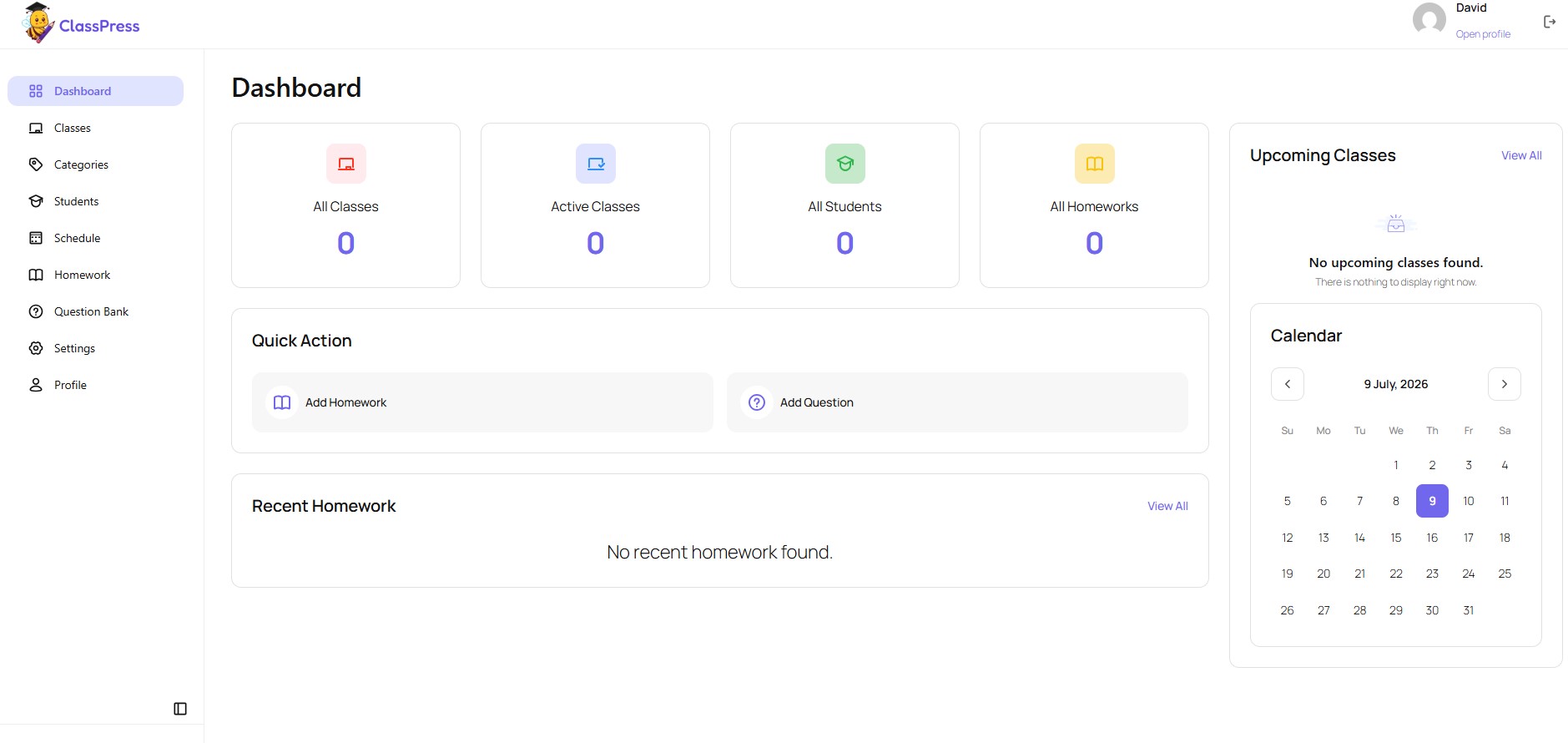
The Teacher role provides access to most teaching features required for day-to-day class management. Compared to the Administrator role, teachers have the following limitations:
- Teachers can create, view, and manage only the classes they create. They cannot view, edit, or manage classes created by administrators or other teachers..
- Teachers can create and manage only the students they create. They cannot edit or manage students created by administrators or other teachers.
- Teachers can view all students and enroll existing students into their own classes using the Enroll Existing option.
- Teachers cannot access administrative features or global settings that are restricted to administrators.