
1. Overview
Thim Login Form is a block used to display a custom user login form on the website.
This block is frontend-only and will not be visible inside the editor.
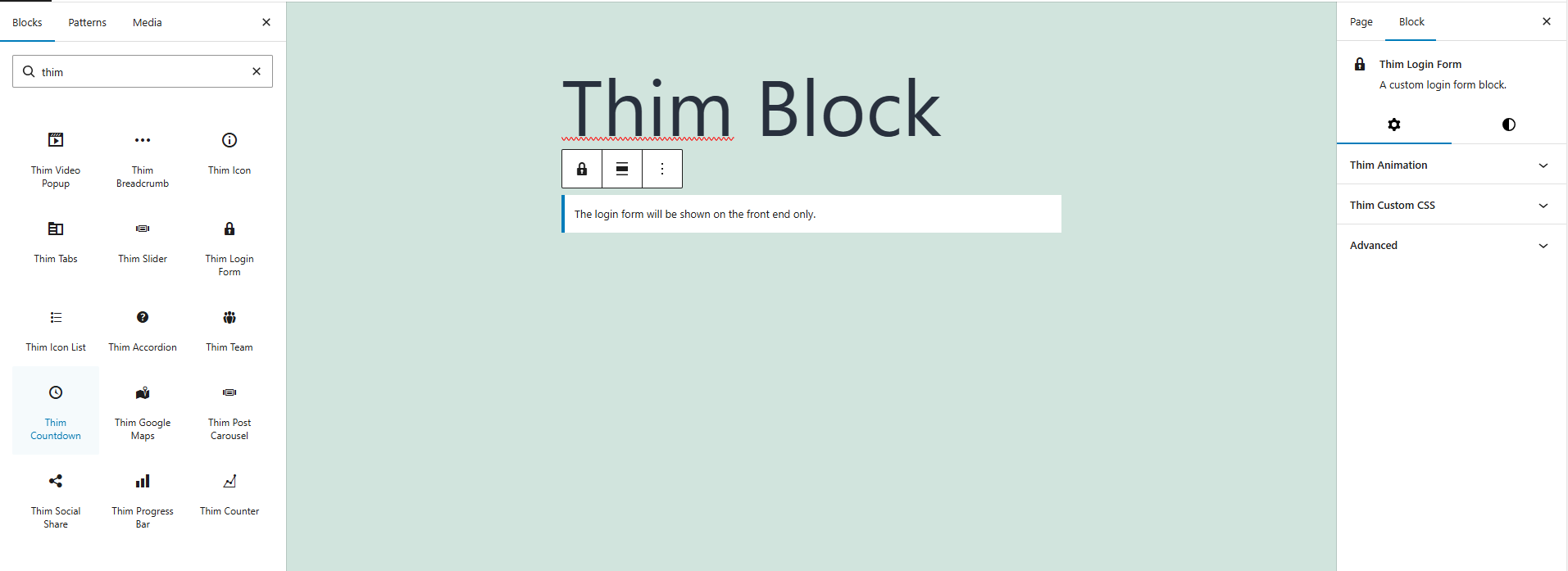
2. Frontend Behavior
- The login form is displayed only on the published page
- Suitable for:
- Login pages
- Account / Profile pages
- LMS / Membership websites
3. Thim Animation
Select the animation effect when the block appears on the page.
- None: No animation
- (Other animation types if supported by the theme)
Enhances visual experience on scroll.
4. Color
Set the text color for all content inside the login form:
- Labels
- Text
- Links (Forgot password, Register…)
5. Typography
Set the font size for the login form.
- Default: Use the theme’s default font size
- Other values (if available): Customize based on design needs
6. Thim Custom CSS
Allows adding custom CSS only for the Thim Login Form block.
selector {
/* Custom CSS here */
}
selectortargets the block wrapper- Useful for advanced styling customization
Example:
selector input {
border-radius: 6px;
}