
1. Overview
Thim Icon List is a block used to display a list of items with icons. It is commonly used for features, benefits, checklists, or short, scannable content.
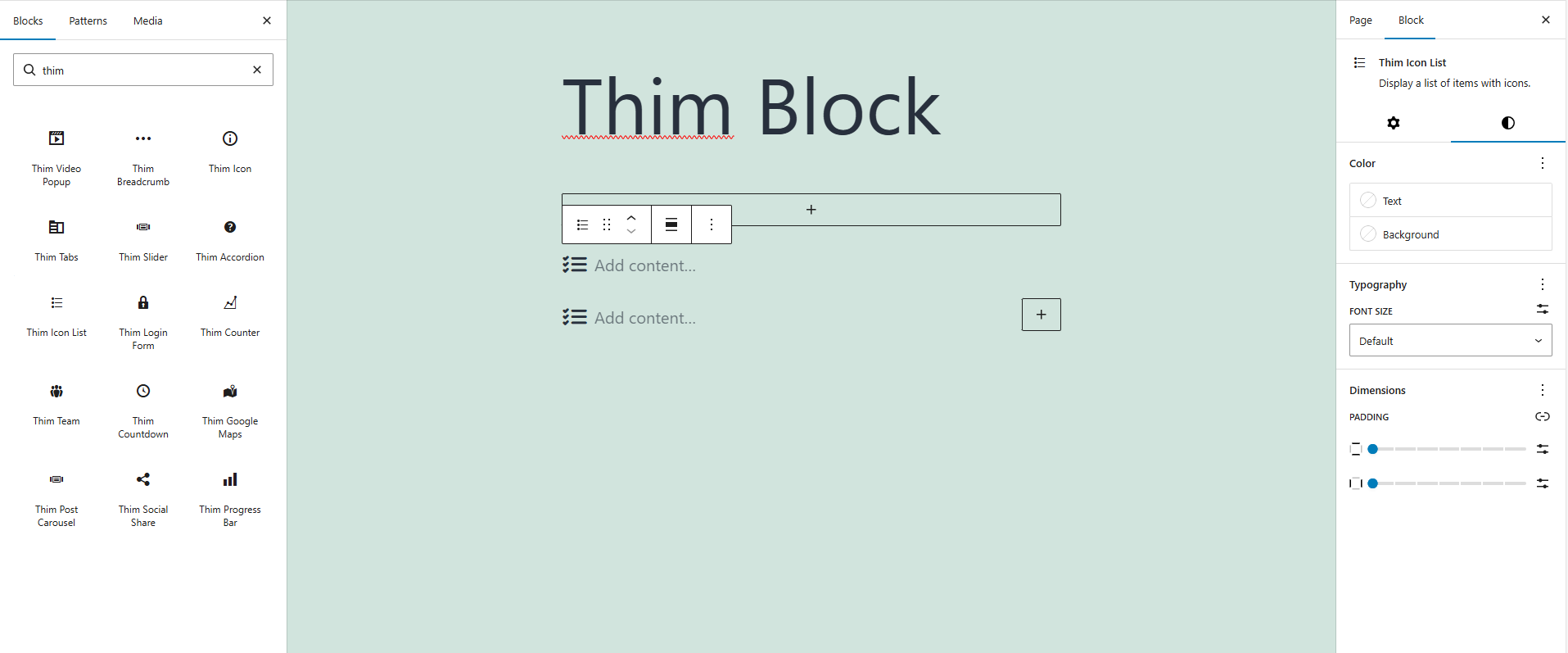
2. Icon List Settings
2.1. Icon List Items
List of items in the Icon List.
Each item includes an icon and text content.
2.2. Add Content
Add content for each item in the list.
3. Styles
3.1. Color
Text color of list items
Background color of the block
3.2. Typography
Font size of the item text
3.3. Dimensions
Inner spacing of the block
4. Thim Animation
Configure animation effects when the Icon List appears on the frontend.
5. Thim Custom CSS
Allows adding custom CSS for the Icon List.
Use selector to target the current block wrapper.